Deep Learning Project – Face Recognition with Python & OpenCV
Face Recognition with Python – Identify and recognize a person in the live real-time video.
In this deep learning project, we will learn how to recognize the human faces in live video with Python. We will build this project using python dlib’s facial recognition network. Dlib is a general-purpose software library. Using dlib toolkit, we can make real-world machine learning applications. In this project, we will first understand the working of face recognizer. Then we will build face recognition with Python.
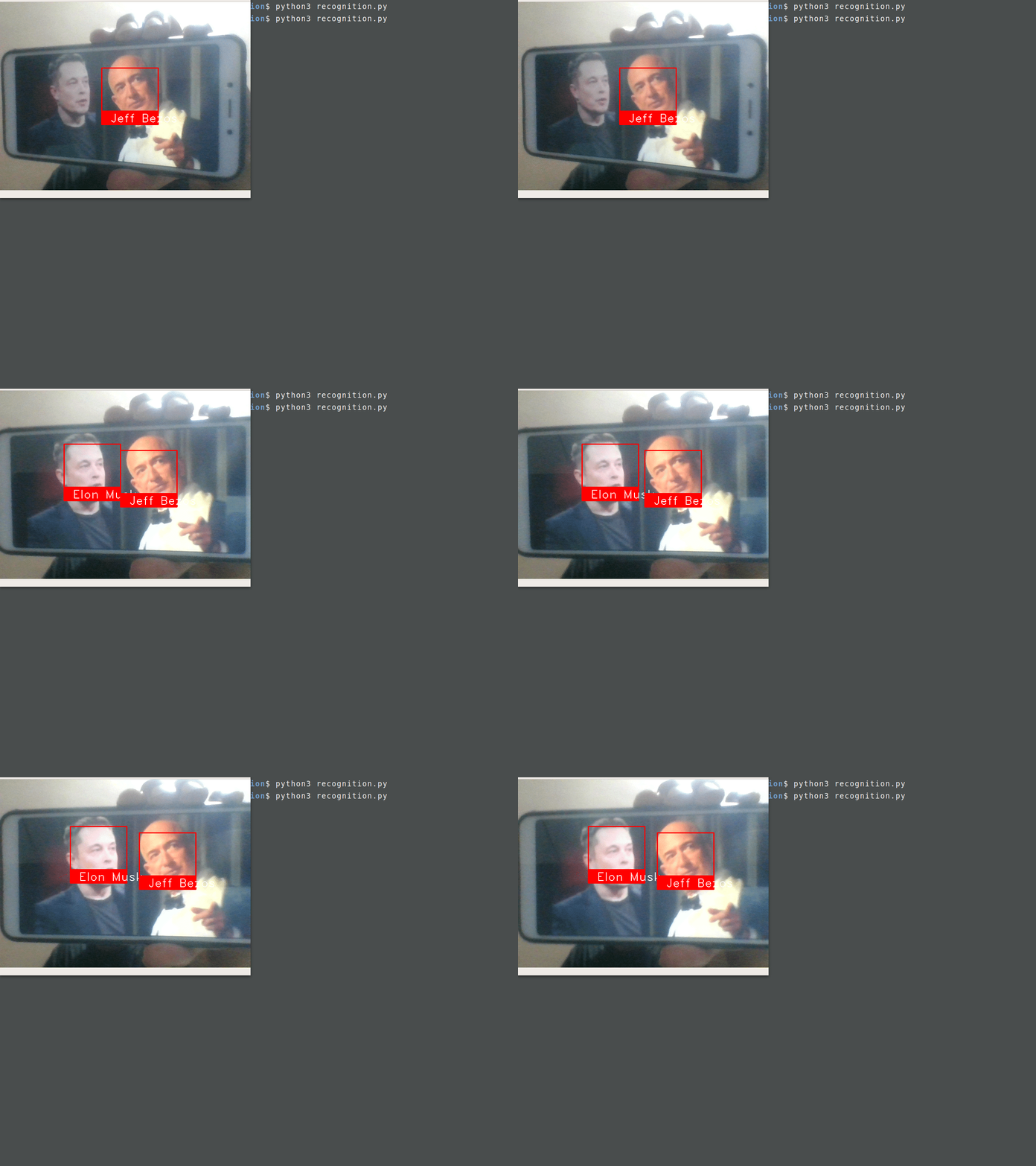
Face Recognition with Python, OpenCV & Deep Learning
About dlib’s Face Recognition:
Python provides face_recognition API which is built through dlib’s face recognition algorithms. This face_recognition API allows us to implement face detection, real-time face tracking and face recognition applications.
Project Prerequisites:
You need to install the dlib library and face_recognition API from PyPI:
Download the Source Code:
Steps to implement Face Recognition with Python:
We will build this python project in two parts. We will build two different python files for these two parts:
- embedding.py: In this step, we will take images of the person as input. We will make the face embeddings of these images.
- recognition.py: Now, we will recognize that particular person from the camera frame.
- Import necessary libraries:
- To identify the person in a pickle file, take its name and a unique id as input:
- Create a pickle file and dictionary to store face enc
- odings:
- Open webcam and 5 photos of a person as input and create its embeddings:
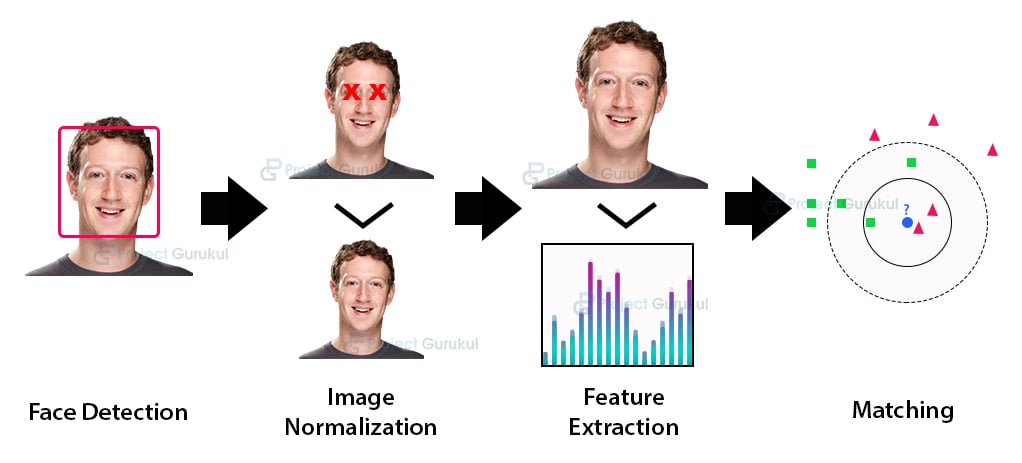
1. embedding.py:
First, create a file embedding.py in your working directory.
In this file, we will create face embeddings of a particular human face. We make face embeddings using face_recognition.face_encodings method. These face embeddings are a 128-dimensional vector. In this vector space, different vectors of same person images are near to each other. After making face embedding, we will store them in a pickle file.
Paste the below code in this embedding.py file.
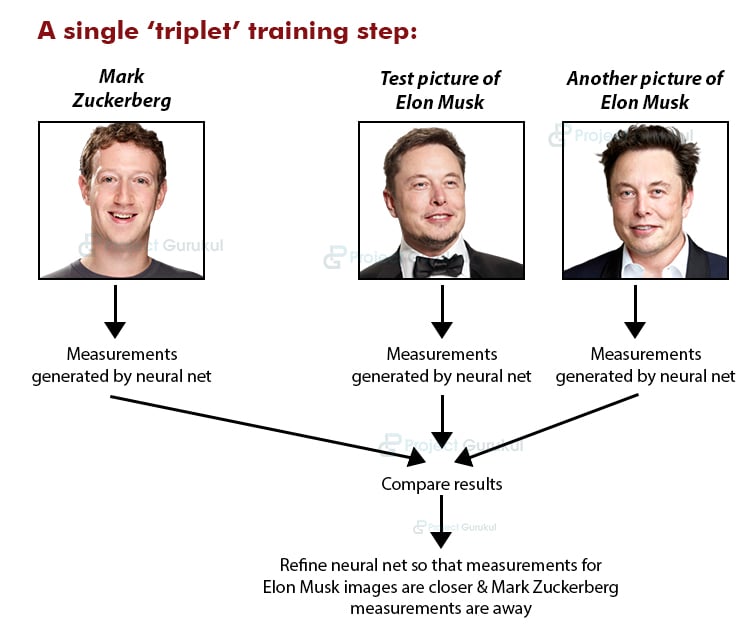
Here, we will store the embeddings of a particular person in the embed_dictt
dictionary. We have created embed_dictt in the previous state. In this dictionary, we will use ref_id of that person as the key.
To capture images, press ‘s’ five times. If you want to stop the camera press ‘q’:
- Update the pickle file with the face embedding.
Here we store the embed_dictt in a pickle file. Hence, to recognize that person in future we can directly load its embeddings from this file:
Now it’s time to execute the first part of python project.
Run the python file and take five image inputs with the person’s name and its ref_id:


2. recognition.py:
Here we will again create person’s embeddings from the camera frame. Then, we will match the new embeddings with stored embeddings from the pickle file. The new embeddings of same person will be close to its embeddings into the vector space. And hence we will be able to recognize the person.
Now, create a new python file recognition.py and paste below code:
- Import the libraries:
- Load the stored pickle files:
- Create two lists, one to store ref_id and other for respective embedding:
- Start the webcam to recognize the person:
Now run the second part of the project to recognize the person:


Comments
Post a Comment